


Baby Game for 2, 3, 4 Year Old
3.9105.00 Reviews
App Specs
- Version
- 5.0.4
- Updated On
- License
- Free
- Downloads
- 10,000,000+
- Developer
- IDZ Digital Private Limited
- Categories
- Educational
- Platform
- Android
Screenshots
 Analysis by AppCompare
When a toddler taps the wrong thing, loses interest, or simply wants the phone back, even a child-friendly game can turn into a small parenting puzzle. I find it helps to treat this as a short activity to share rather than a dependable way to occupy a child for a long stretch. Baby Game for 2, 3, 4 Year Old is an educational game from IDZ Digital Private Limited, aimed at very young children, and its mix of activities makes it worth considering when you want a simple play option close at hand.
The game is free to start, carries an Everyone age rating, and has a 3.9 average from around 11,000 ratings. It has been installed over 10 million times, which suggests many families have tried it, but popularity alone does not tell me whether it will suit a particular child. There are in-app purchases, so I would check the purchase settings on the device before handing it over. That small bit of preparation matters more than it may seem when a toddler is exploring by tapping.
Where little users can get stuck
At this age, “easy to use” depends as much on the child as on the screen. A toddler may tap several times while waiting for a response, swipe when a game expects a tap, or move away from an activity before understanding what it asks. Those behaviors do not necessarily mean the game is broken. I would sit beside the child at first, demonstrate one action, and then let them try rather than assuming the interface will explain itself.
That first session is also a good way to see whether the child enjoys the kinds of activities on offer. Some children are drawn to matching and puzzles; others respond more to sounds and music. If one activity does not land, I would switch rather than repeat instructions or turn play into a test. A useful measure of success here is whether the child stays curious and wants to explore, not whether they complete every task independently.
Simple checks before handing over the device
Before opening the game, I would make sure the device has enough charge, the volume is comfortable, and the screen is set up where the child can reach it without dropping or straining to see it. It is also sensible to review the device’s purchase controls, particularly because optional purchases are part of the app. These are ordinary household checks, not special tricks, but they reduce the chance that setup becomes the main event.
The app is listed for devices running Android 7.0 or later, and its current version is 5.0.4. If it is not available or does not behave as expected, I would first check that the device meets the minimum system requirement and that the app has finished installing and updating. A restart and a fresh launch are reasonable basic troubleshooting steps if the game freezes. I would avoid changing several device settings at once; checking one thing at a time makes it easier to tell what helped.
For a first try, I would keep the routine modest: open the game together, choose one activity, and watch how the child handles its instructions and controls. This gives you a clearer sense of whether the app is a good fit than leaving a toddler alone with a large selection from the outset. If the child starts tapping randomly or becomes frustrated, pause and guide them through one step instead of assuming more screen time will solve it.
Worth Reading Before You Choose

Baby Panda World Brings Quick Play to Modern Phones, but Its Game Library Feels Busy

ESPN’s Live Game View Makes Following Close Games Easier

QuizzLand Review: A Good Fit for Short Trivia Breaks, Not Every Player

Basketball Stars: Multiplayer Is Fast, but Can It Recover When Matches Go Wrong?

WEBTOON Turns Phone Updates Into a Better Reading Routine

Link to Windows Runs on Shared Habits, Not Social Feeds
What’s Inside the App?
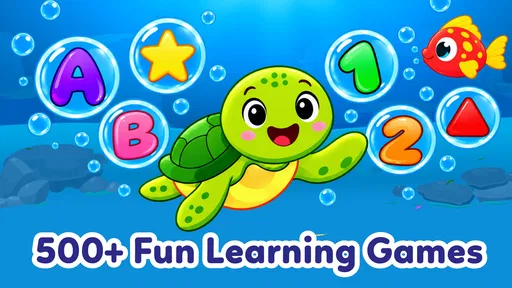
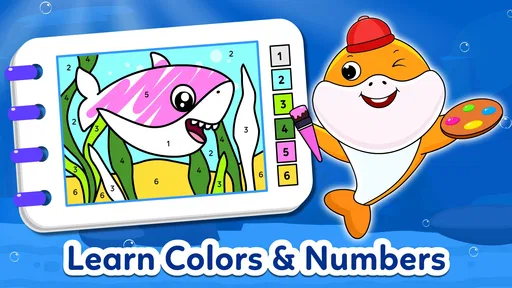
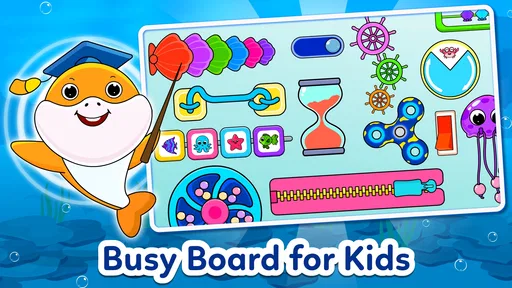
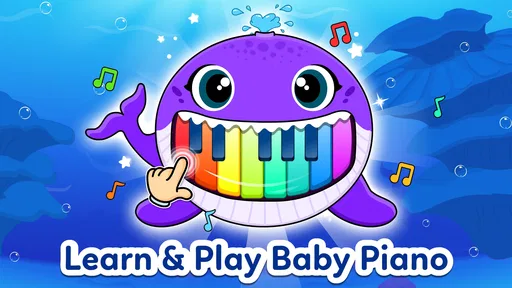
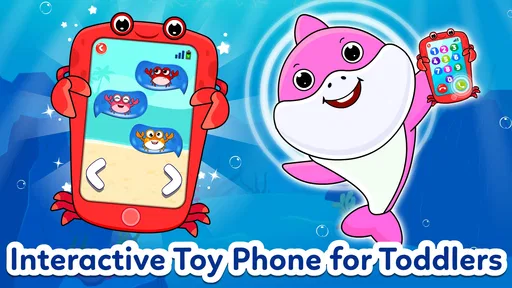
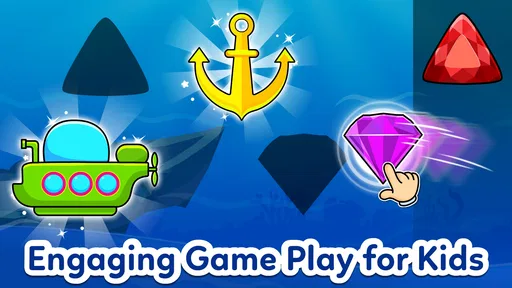
Alright, let’s talk about what you’re getting with this app. Baby Game for 2, 3, 4 Year Old is packed with a bunch of games and activities designed specifically for the tiny humans in our lives. Think colorful puzzles, fun matching games, and even some cool musical elements. It’s like a mini playground right on your phone.
The design is super intuitive, which is a big plus when you’ve got a toddler navigating the controls. The app is bright and colorful, definitely eye-catching, and the interface is as simple as it gets. Your little ones don’t need to be tech wizards to get the hang of it, which is fantastic.
Engaging and Educational
Now, you know those moments when you question if screen time is actually beneficial? Well, this app might just ease your mind a bit. The games are not only fun but also educational. The matching games help with memory and recognition skills, while the puzzles encourage problem-solving. It’s like sneaking veggies into their favorite meal – they’re learning without even realizing it!
And let’s not forget the musical games. They’re perfect for developing auditory skills and rhythm. My kiddo was tapping along and giggling the whole time. It’s a great way to introduce them to the world of music without any pressure.
Easy Peasy Navigation
One of the standout features is how easy it is for kids to navigate. Everything is designed with little fingers in mind. The buttons are big and bold, and there’s no complicated text to decipher. Just tap and play. If your toddler is anything like mine, they’ll be swiping and tapping their way through the app like pros in no time.
The app also does a great job of keeping things varied. There are plenty of activities to cycle through, so your child won’t get bored quickly. This means less time fussing about what to do next and more time enjoying the fun.
Parental Controls and Safety
Okay, let’s talk safety and parental controls. As a parent, it’s crucial to know that what your kids are using is safe and secure. Baby Game for 2, 3, 4 Year Old scores high here. It’s designed to be kid-safe, with no ads popping up to distract or confuse the little ones. The app includes parental controls that make it easy to manage settings and monitor usage. Peace of mind? Check!
Making play fit into an ordinary day
I can see this working best in short pockets of time: while a parent is preparing a meal nearby, during a quiet pause at home, or when a child wants an activity to do alongside an adult. I would not rely on it as a substitute for conversation, movement, or shared play. Instead, it can offer a prompt: a matching activity might lead you to name objects together, while a musical game can become a chance to clap a rhythm and then put the device aside.
A practical approach is to let the child choose between a couple of activities rather than opening the game and expecting them to make sense of every option. That keeps the choice manageable and gives you a chance to notice what holds their attention. If they repeatedly return to one type of game, you can join in and ask simple questions about what they see, without turning the moment into a lesson they have to pass.
The large, direct controls can be helpful for children who are still building coordination, but they do not remove the need for supervision. A child may accidentally exit a game, change screens, or press something they did not intend to. Staying close is especially useful during the first sessions, both to help them recover and to keep the device from becoming a source of frustration.
How it compares with other toddler activities
Compared with a single-purpose puzzle game, this app’s range of matching, puzzle, and musical activities can make it easier to find something a child enjoys without switching between several apps. The trade-off is that a collection of activities may feel less focused than a game built around one skill. If your child is eager to repeat one specific kind of puzzle, a dedicated puzzle app or a physical puzzle may be a better match.
Compared with books, blocks, or hands-on toys, a phone game is convenient and visually immediate, but it cannot offer the same tactile experience or naturally invite movement around a room. I would use it as one option in a varied routine, not as the default answer whenever a child is bored. Families who prefer screen-free play, or who want an activity that encourages building and imaginative role-play, may be happier with toys or shared reading.
There is also a difference between having many activities and having enough variety for every child. A toddler who likes bright sounds and quick interactions may enjoy exploring, while a child who is easily overstimulated may do better with a quieter, more predictable activity. Watching the child’s response is the most useful guide; if they become restless or upset, a break is more helpful than pushing through.
Recovering when something goes wrong
If a child taps away from an activity or the game stops responding, I would first keep the response calm and simple. Return to the app if it is still open, or close and reopen it if needed. Then check whether the device itself is responding normally. If other apps are also slow, the issue may be with the device rather than this particular game; if only this game has trouble, checking for an available update and restarting the app are sensible next steps.
When a purchase screen or an unfamiliar prompt appears, I would take the device back and review it myself rather than asking a toddler to make a choice. In-app purchases range from $2.99 to $49.99 per item, so protecting against accidental taps is a practical part of setup. If you would rather avoid purchase prompts altogether, make sure the device’s family or purchase controls are configured before play.
Not every disappointing session points to a technical problem. A child may be tired, hungry, distracted, or simply not interested in the activity at that moment. The game also may not suit a child who prefers physical movement or needs a parent to explain each step. I would try again another time only if the child seems willing; a forced session is unlikely to make either the game or screen time feel more enjoyable.
Who will get the most from it
I would recommend giving it a try if you have a toddler who enjoys tapping through simple activities and you want several kinds of play gathered in one place. It may also suit a caregiver looking for a brief shared activity, especially if an adult can help the child move between options and talk about what is happening. The game is aimed at young children, but an adult’s presence still makes the experience more useful and helps with device boundaries.
I would be more cautious if you want a fully hands-off activity, a guaranteed ad-free experience, or a screen-free learning tool. Those claims should not be assumed from the fact that an app is designed for children. I also would not choose it as the main option for a child who dislikes touchscreens or becomes upset when a device is taken away. In those cases, books, toys, or play that does not depend on a phone may fit your household better.
A Few Final Thoughts
In wrapping up, I’d say this app is a solid choice for any parent looking to blend fun and learning for their toddlers. It’s engaging, educational, and safe – basically the trifecta of what you’d want from a kiddie app. So, if you’re ready to give your kiddo a fun, interactive experience that’s also good for their development, you might want to download this one.
Overall, Baby Game for 2, 3, 4 Year Old is a winner in my book. Whether you’re looking to keep your little one busy or want to sneak in some learning, it’s got you covered.
My practical verdict
For me, the strongest reason to try it is the mix of activity types in a format intended for very young players. I would start with a short, supervised session, check purchase controls first, and see whether the child naturally enjoys the puzzles, matching, or music. Its free entry makes that initial try accessible, while optional purchases mean it is worth keeping an adult in charge of any prompts that appear.
The main limitation is that convenience should not be confused with a complete learning plan or a replacement for playing together. I like it best as a small part of a day, with an adult nearby and a clear stopping point. If that matches how your family uses a phone, this is a reasonable toddler game to explore; if you need a focused skill tool or prefer screen-free activities, another option will probably serve you better.
Pros
- Colorful and engaging graphics.
- Easy-to-use interface for toddlers.
- Variety of mini-games included.
- Encourages learning through play.
- No in-app purchases needed.
Cons
- Limited content without updates.
- Requires internet for some features.
- May not hold attention long.
- Some ads may be distracting.
- Lacks parental control settings.
FAQs for Baby Game for 2, 3, 4 Year Old
What is the main purpose of Baby Game for 2, 3, 4 Year Old?
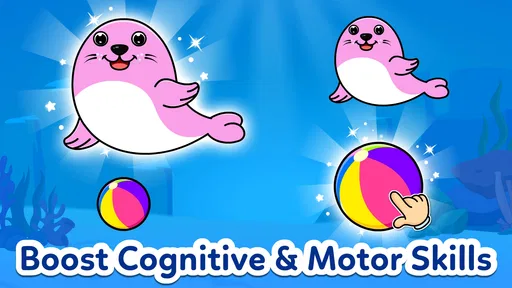
The primary goal of Baby Game for 2, 3, 4 Year Old is to provide an engaging and educational experience for young children. The app is designed to help develop cognitive skills, hand-eye coordination, and early learning concepts. Through interactive games and colorful visuals, it aims to make learning fun and accessible for toddlers.
Is the app safe for my child to use?
Yes, Baby Game for 2, 3, 4 Year Old is designed with child safety in mind. It does not contain any ads or in-app purchases that could be accidentally accessed by young users. The app features a simplified interface and parental controls to ensure a safe and age-appropriate environment for your child.
What kind of activities does the app include?
The app includes a variety of activities tailored for young children, such as puzzles, matching games, and interactive stories. Each activity is crafted to stimulate curiosity and encourage problem-solving skills. The content is regularly updated to keep the experience fresh and engaging for returning users.
Does the app support multiple languages?
Yes, Baby Game for 2, 3, 4 Year Old offers support for multiple languages, making it accessible to a diverse audience. Parents can choose the language that best suits their child’s needs, helping to enhance their language development in a familiar or new language environment.
Will the app work offline?
The app is designed to work offline, allowing your child to enjoy the games and activities without an internet connection. This feature makes it convenient for use during travel or in areas with limited connectivity, ensuring continuous learning and entertainment for your child.


